In short
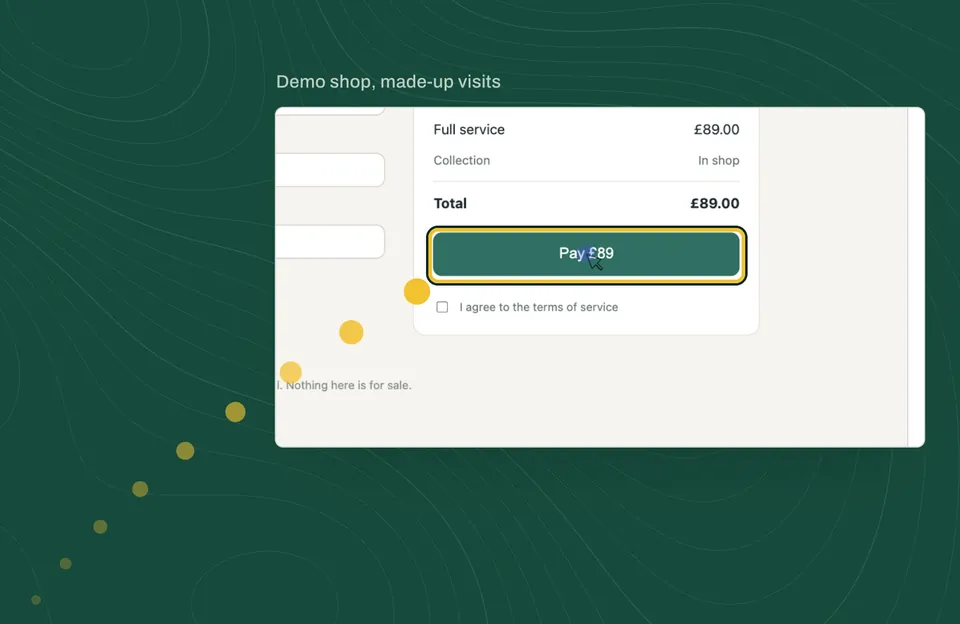
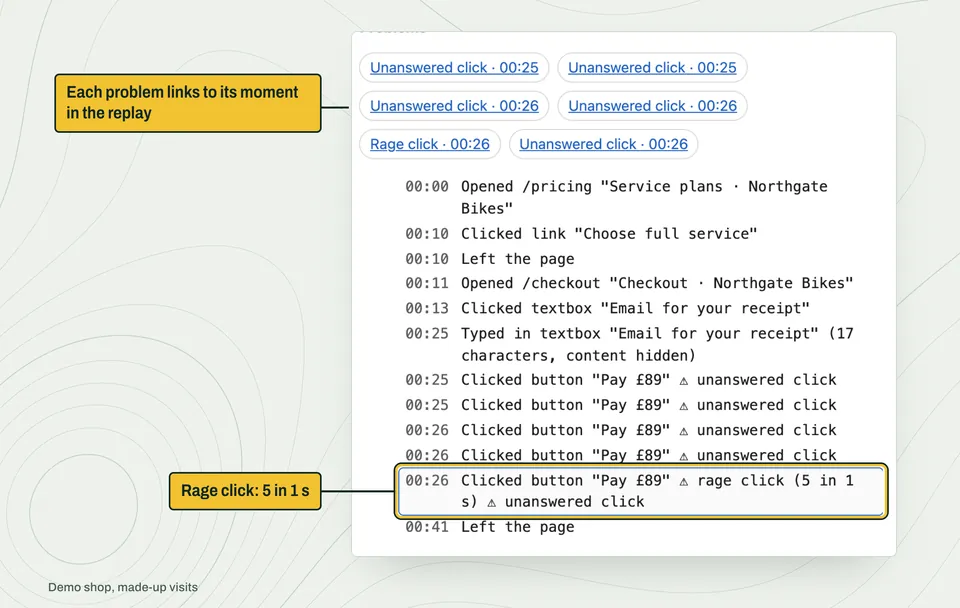
To see why visitors leave a website, watch recordings of real visits to the page they leave from, and look for the moments they struggle: clicking something again and again (a rage click), clicking something that does nothing, starting a form and not sending it, or meeting an error. Faintrail marks these moments in every visit for you, so you can filter to, say, visitors who reached your pricing page and rage-clicked, and watch only those.
The signs Faintrail marks for you
| Sign | What it means in Faintrail | What it often points to |
|---|---|---|
| Rage click | Three or more clicks on the same thing, each within a second of the last | Something looks clickable but doesn't answer |
| Unanswered click (often called a "dead click") | A click on a button, link or tab, then nothing on the page changes within a second | A broken button, or a picture that looks like a link |
| Quick return | Back on the previous page within 5 seconds | The page wasn't what they expected |
| Unsent form | Typing in a field, then leaving without sending | A form that's too long or asks too much |
| Error | An error on the page, or a request that failed | Something broken that you may not know about |
| Long pause | A minute or more with nothing done, page in view | Confusion, or hunting for information |
| Exit after an error | The visit ends within a minute of an error | An error that cost you the visitor |
Five steps to find the page that loses sales
- Pick the page that matters most. Pricing, checkout, booking or contact.
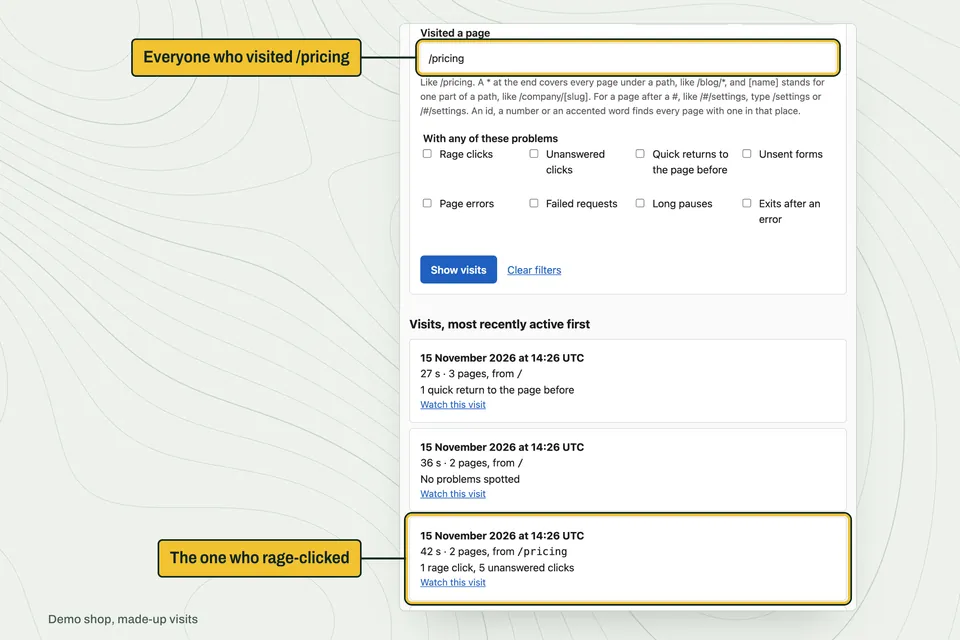
- Filter to visits that reached it. One search: the page's address.
- Add a problem. Rage click, unsent form or error.
- Watch five of them. For each, note what the visitor was trying to do, and where they stopped.
- Fix one thing, then check next week's visits. If the problem stops appearing, the fix worked.
Too many visits to watch?
Download them instead, up to 100 at a time, and ask an AI assistant to read them. It reads every visit and tells you which ones to watch first.
From your visits to the assistant you choose
- Filter your visits
For example, everyone who visited your pricing page. - One text file
Up to 100 visits, at most 50 MB. - You decide
Read it yourself, or pass it on. - Any assistant
ChatGPT, Claude or any assistant that reads text files.
Nothing is sent to an AI automatically.
Questions people ask
What is a rage click?
A rage click is when a visitor clicks the same thing several times in quick succession, usually because it isn't doing what they expect. Faintrail counts three or more clicks on one thing, each within a second of the last.
What is a dead click?
A dead click is a click that gets no response: nothing on the page changes. Faintrail calls it an "unanswered click" and marks a click on a button, link or tab when nothing changes within a second.
What's the difference between rage clicks and dead clicks?
A dead click is one click that does nothing. A rage click is several quick clicks on the same thing. A dead click often turns into a rage click when the visitor tries again.
Why is my website not converting?
There's rarely one answer, and no tool can tell you without looking at your visitors. Common causes you can see in recordings are buttons that don't respond, forms that ask too much, errors, and pages that don't answer the visitor's question. Watching visits to your most important page is the quickest way to find yours.
How many visits do I need to watch?
Start with five visits to one page that share a problem. If they show the same thing, you've probably found it. If not, watch five more, or download them and ask an AI to compare them.